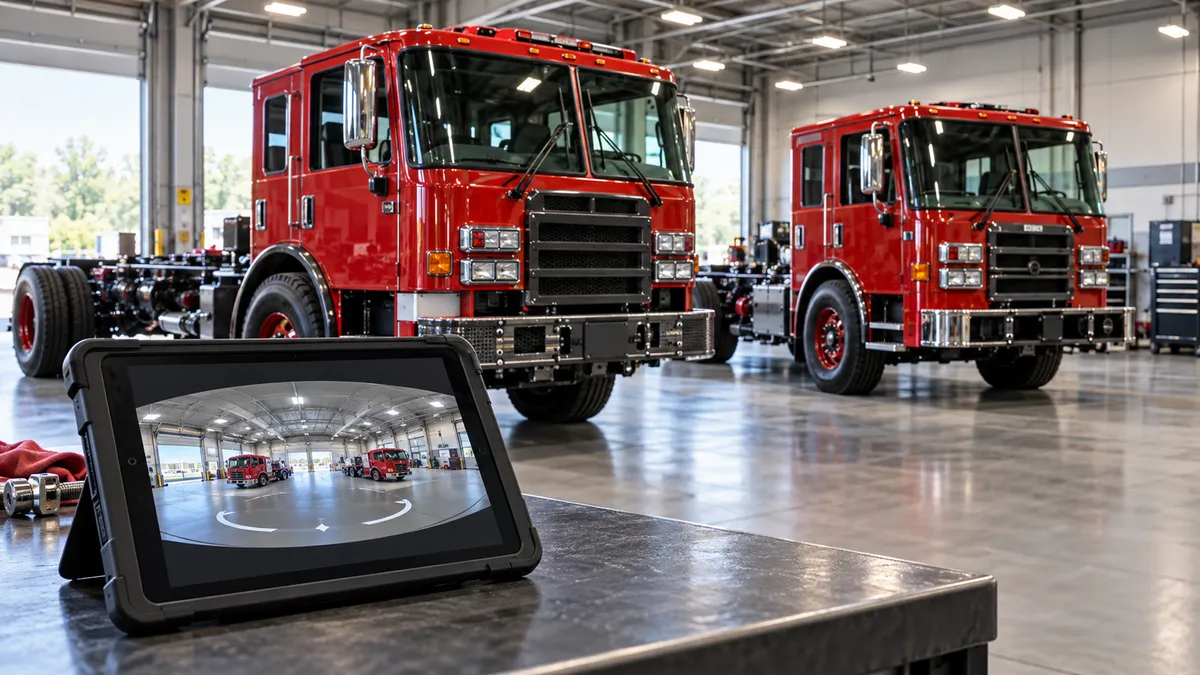
Pierce Manufacturing has published a 360-degree virtual tour of its Velocity and Impel fire truck chassis, built with Panotour. If you evaluate emergency apparatus, or you just like seeing how specialized commercial vehicles come together, it lets you look over these platforms without scheduling a demo. Below is what Pierce says the tour covers and how to get the most from a session.
What Pierce Is Showing You
Per Pierce, the tour covers its customizable Velocity and Impel fire truck chassis. The company describes them as built specifically for each department's needs, and as affordable yet fully featured. According to Pierce, the ideal configuration for a given department comes from a mix of standard and optional features.
That last point is the key to the whole product idea. A fire chassis isn't a one-size vehicle like a showroom sedan. It's a platform, and what ends up in the station bay depends on choices made along the way.
Why a 360 Tour Beats a Brochure
Fire apparatus is a specialized purchase, and getting a department's decision-makers around a physical truck isn't always easy. An immersive tour gives you a way to look at a vehicle on your own schedule, and to share it with the people who weigh in on the purchase.
This is our read rather than Pierce's claim, but a 360 view suits this kind of vehicle. You can turn around, look at how things are laid out, and come back later with questions, which a spec sheet can't do.
How to Use the Tour Well
The source material doesn't detail every hotspot or feature inside the tour, so treat the following as a practical approach rather than a description of its contents.
1. Start with your needs, not the truck
Write down what your department actually requires before you open the tour. Pierce's pitch is that each chassis is built around a department's needs, so you'll get more from it if you arrive with yours defined.
2. Separate standard from optional
Pierce says the configurations come from standard and optional features. As you look around, keep two lists: what appears to come as baseline, and what you'd need to add. Then confirm both with a Pierce representative, since a virtual tour can't tell you final pricing or what's included on a specific build.
3. Bring the crew in
Because it's a link and not a lot visit, you can send it to the people who will drive, operate and maintain the truck. Collect their questions and take those to the vendor.
4. Treat it as a first pass
A virtual tour narrows the field. It doesn't replace a conversation about specs, pricing and delivery, or an in-person look when that's possible.
Velocity vs. Impel
Pierce markets both under one tour and describes them together as affordable, fully featured and customizable. The material we have doesn't spell out how the two differ, so we won't guess at which suits which department. Look at both in the tour, then ask Pierce directly where each fits.
The Bigger Picture
Pierce's tour is one example of a broader shift: manufacturers of specialized commercial vehicles are putting more of the evaluation process online. For buyers, that means more of the early homework can happen before anyone travels or books a demo.
The Takeaway
Open the tour with your department's requirements in hand, note every standard-versus-optional question that comes up, and take that list straight to Pierce. That turns a pleasant 360-degree look into a sharper buying conversation.